Works Panel
Works Panel
Section titled “Works Panel”When you open a project, the Works panel shows all works (video pipelines) in that project.
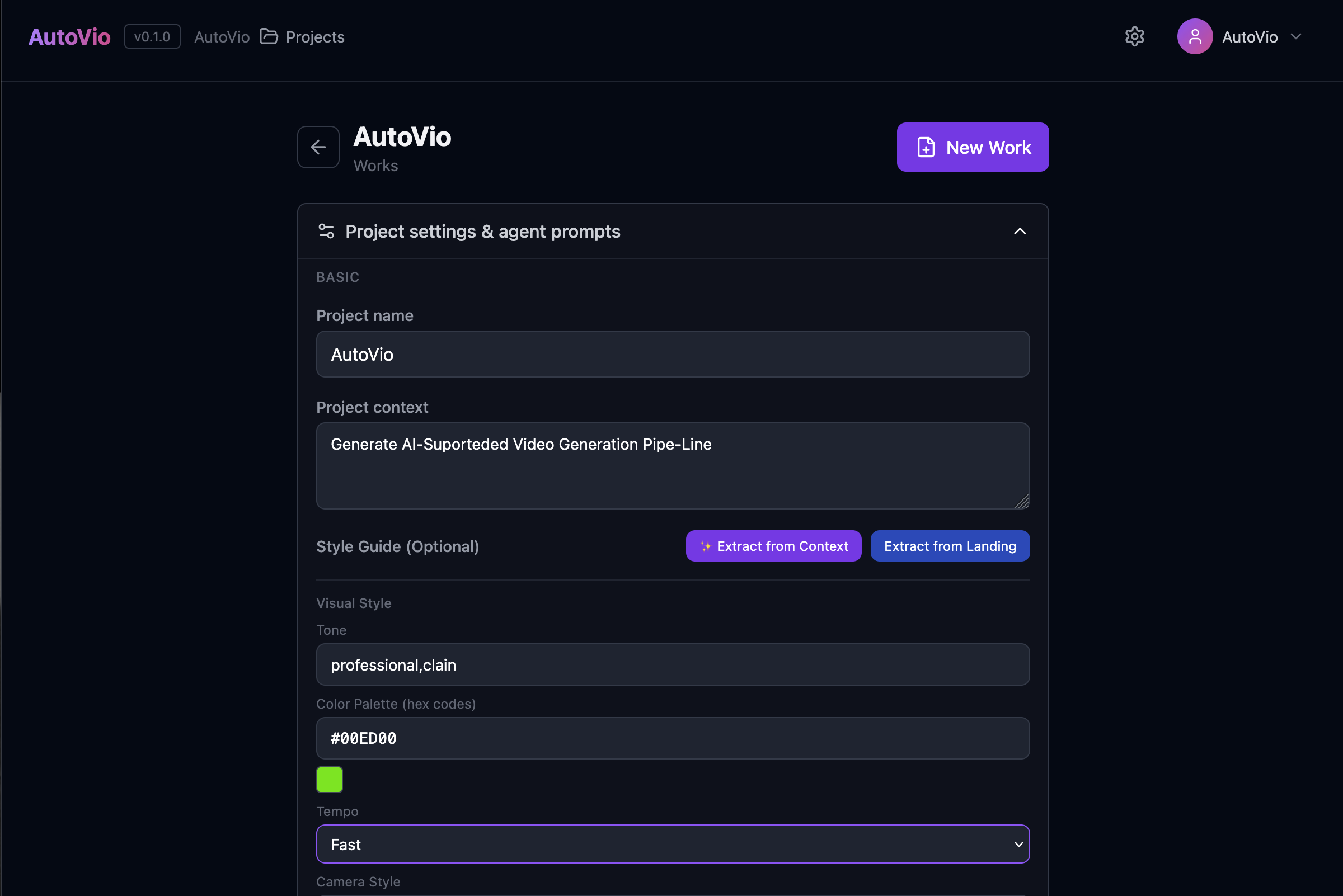
Works list
Section titled “Works list”- Each row is one work: name, last updated, and optionally status or step.
- Click a work to open it and run through the 5-step pipeline (Init → Analyze → Scenario → Generate → Editor).
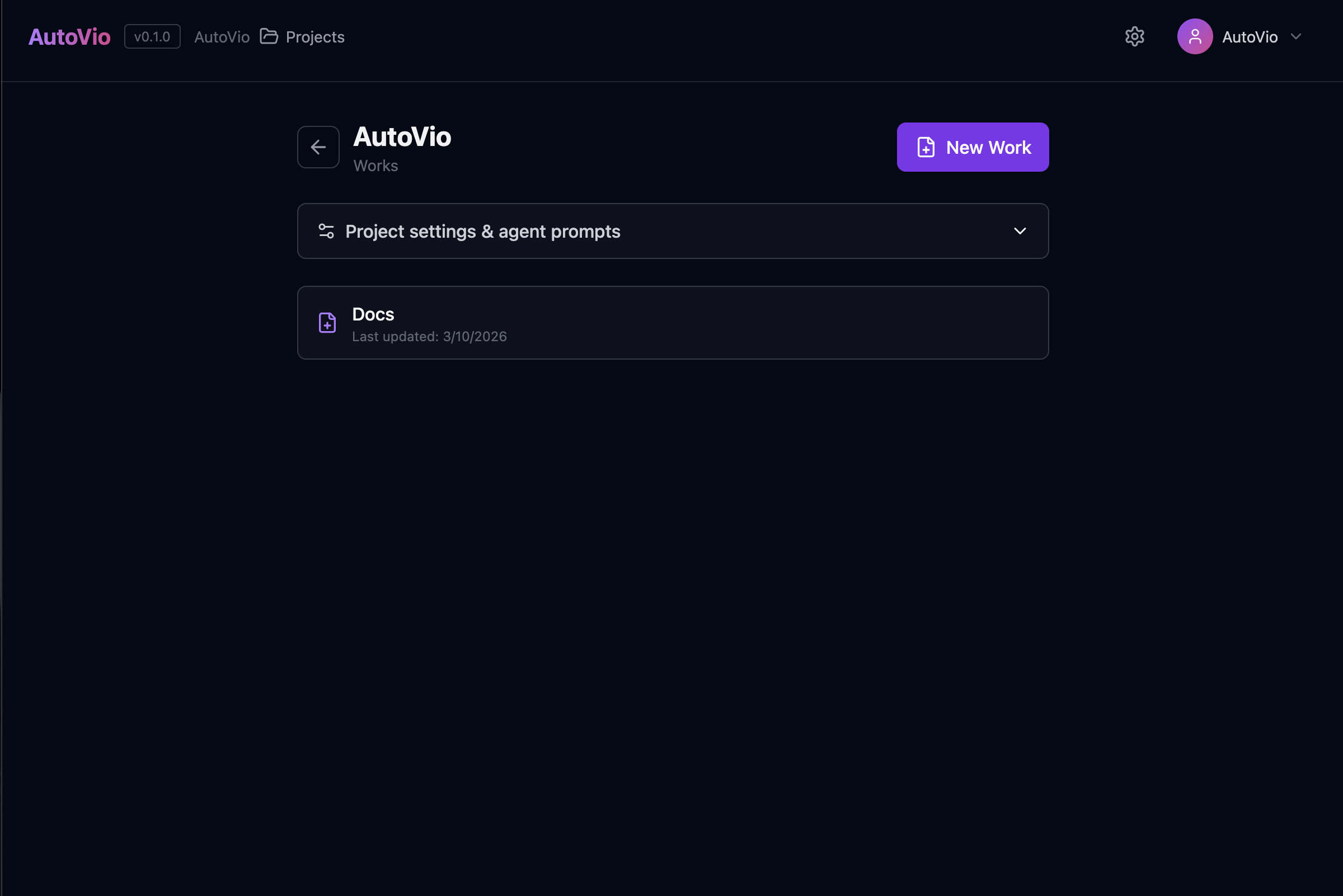
Create work
Section titled “Create work”Click New Work (or “Create work”). You’ll set:
- Name — e.g. “Product Demo Q1”
- Mode —
style_transferorcontent_remix - Product name (or subject) and optionally description, target audience, language, duration, scene count
The work is created with the project’s default prompts and instructions; you can override them in the work’s settings.
After creating a work
Section titled “After creating a work”- Init (Step 1) — Confirm or edit mode and product info; for style transfer, upload the reference video.
- Analyze (Step 2) — Run analysis on the reference video (if any).
- Scenario (Step 3) — Generate and optionally edit the scenario.
- Generate (Step 4) — Generate image then video per scene.
- Editor (Step 5) — Timeline, overlays, export.
Progress is saved automatically so you can leave and resume later.
See also
Section titled “See also”- Step 1: Init — First step details
- Pipeline Overview
- API: Works